Removing import source files
This guide covers Dawarich 1.20.0.
An import's source file can be removed to free storage while keeping its imported points, visits, places and tracks. Source removal is separate from deleting the entire import.
Remove a source file
- Open Imports and select the import.
- In Source file, choose Delete source file.
- Read the confirmation and confirm removal, or cancel to keep the source.
Removal is available to the owner for completed or failed imports while the source is not in use. Account restore archives and API-generated Immich or PhotoPrism imports are excluded. The page explains when removal is unavailable; pending/running extraction is never expired merely to enable removal.
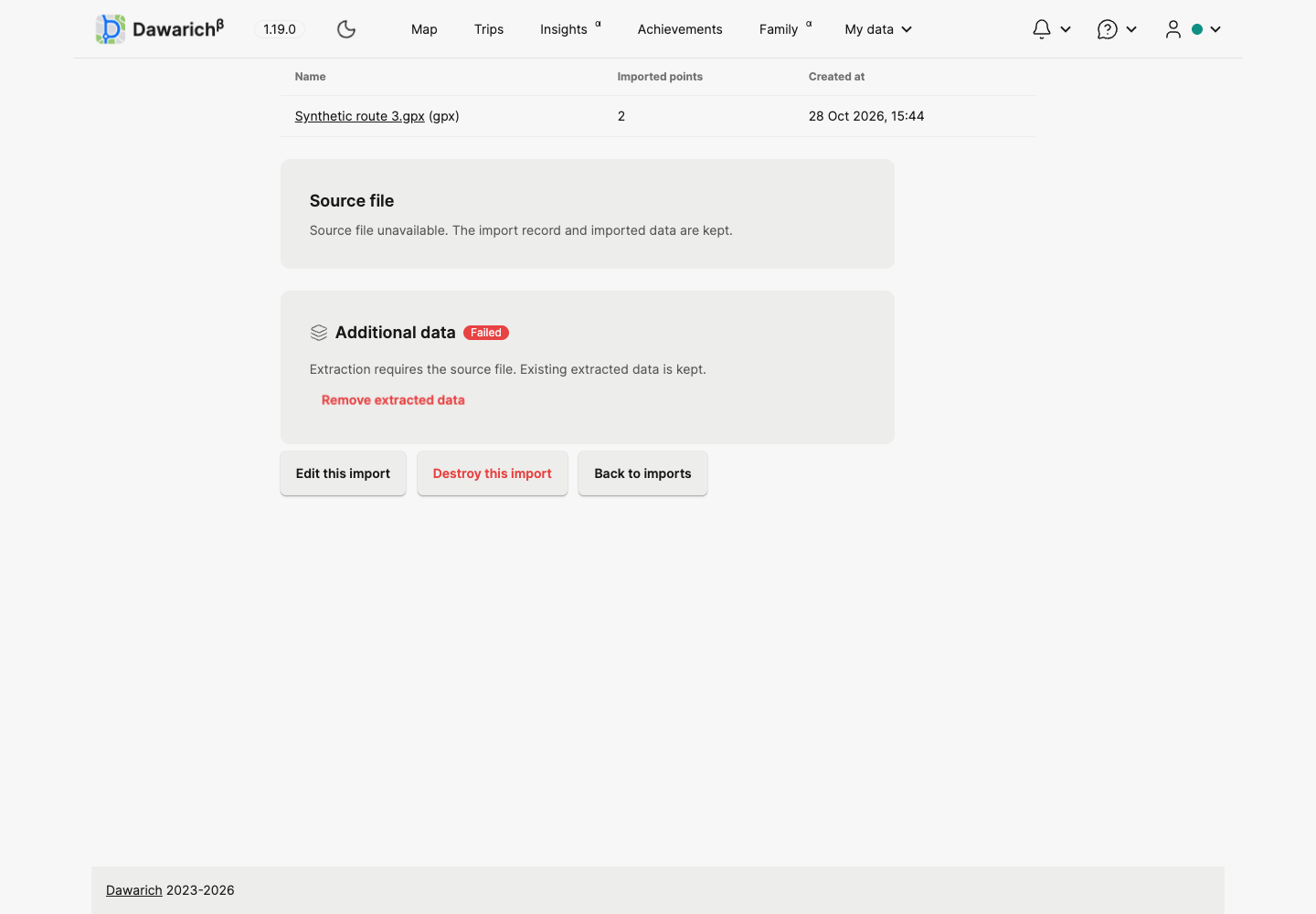
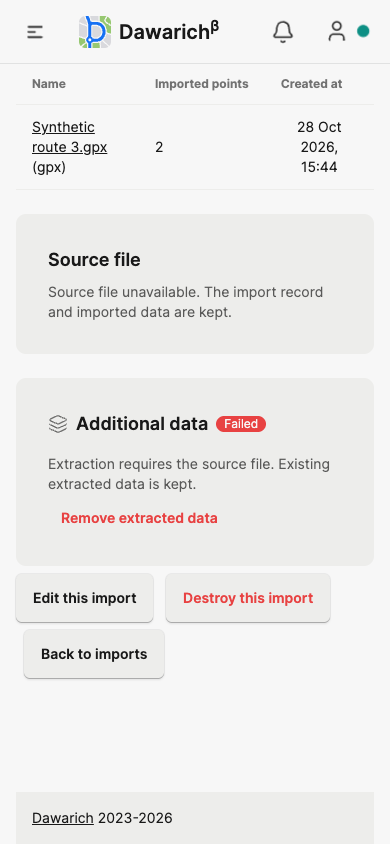
After removal, the import and its point count remain visible, including when sorting by file size. Download and re-extraction controls disappear. Extraction counts and the separate extracted-data removal action remain. Opening an old download URL returns an explanation instead of a server error.
Deleting the whole import is a separate action that deletes its points and extracted data. The list and detail-page confirmations explain that consequence.
Before and after
These screenshots use synthetic data.
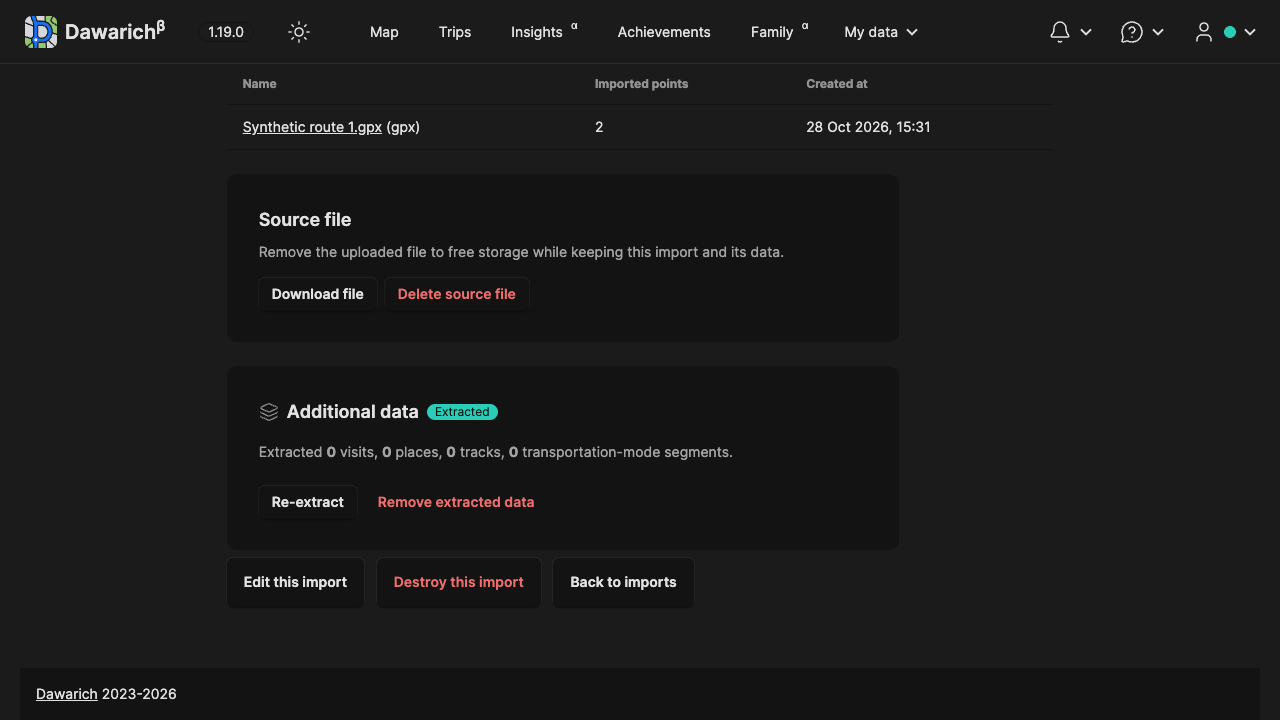
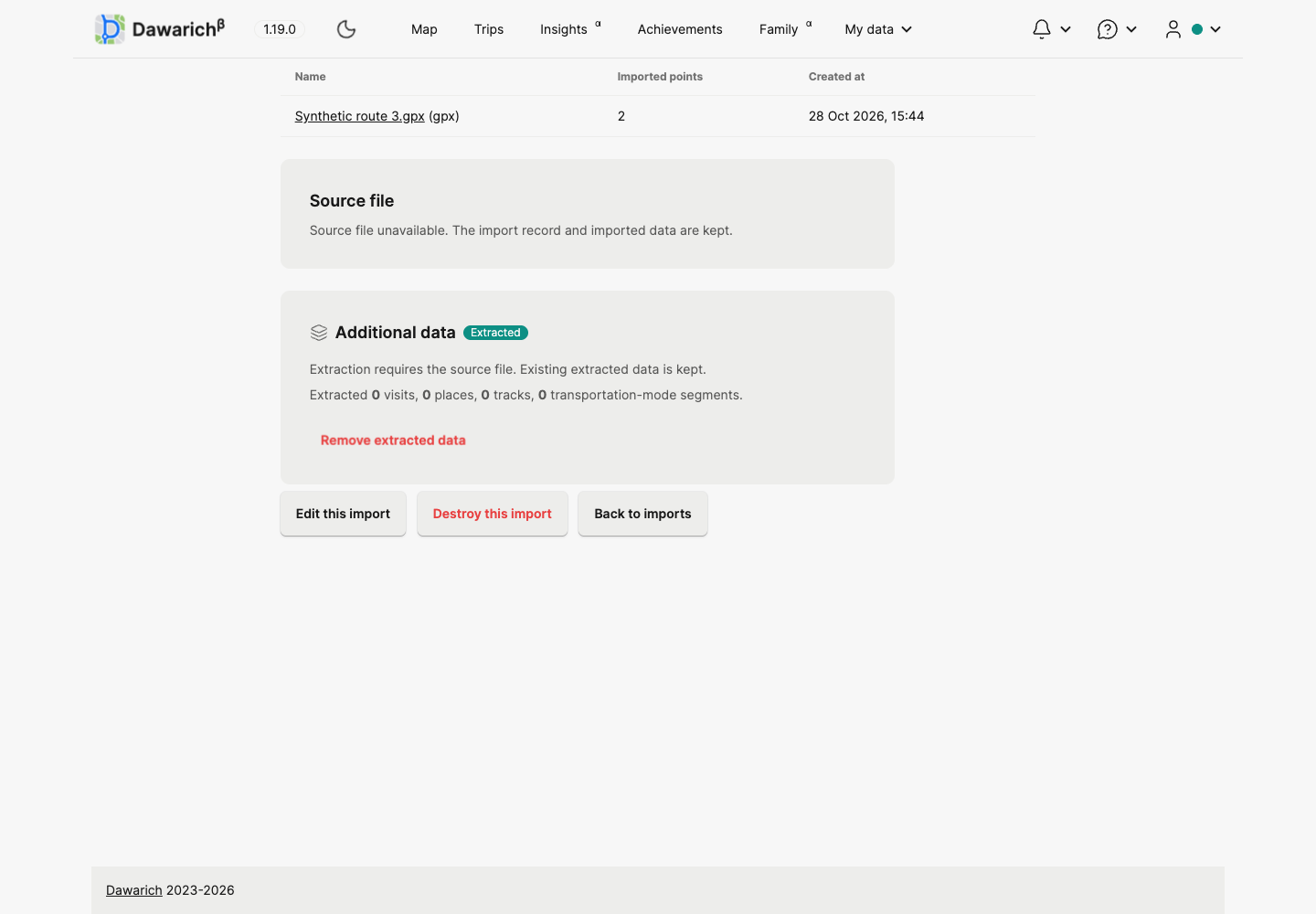
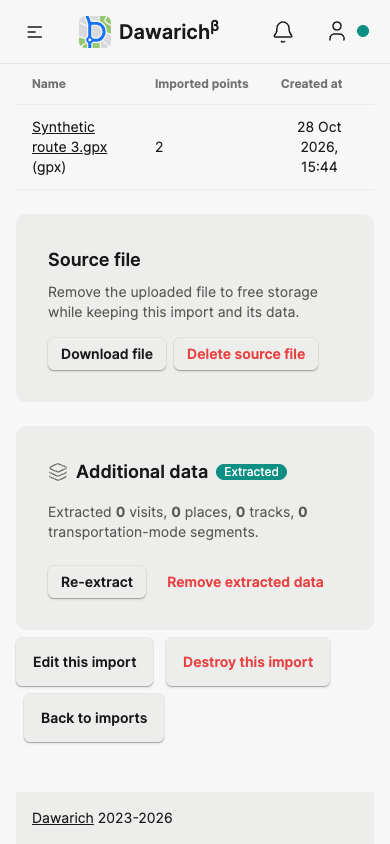
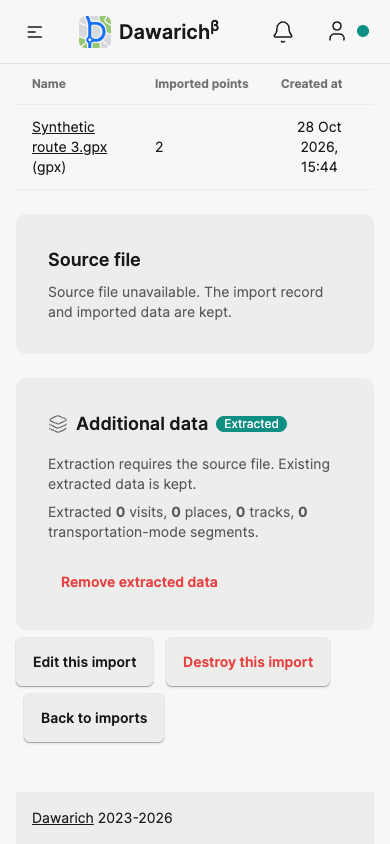
Failed imports retain cleanup controls even after extraction has failed:
Upgrade and operational details
Apply the database migration and restart web and worker processes so they share the source-use lock. Removal waits for existing source readers and prevents new source-dependent operations from starting with a missing file. The attachment is purged after the database transaction commits. Repeat and stale removal requests do not delete points.
Source removal cannot reconstruct the original uploaded bytes. Keep a separate backup if you may need to download or process that source again. Verification used local Disk storage; remote storage providers and physical mobile devices were not tested in the release preparation.