Achievements
Achievements turn your location history into a collection of cards. Every country has a card, and most countries also have a grid of their regions to fill in. Dawarich checks your history in the background and unlocks a card when you have spent enough time in a place.
Achievements are available to every user, on Dawarich Cloud and on self-hosted instances. Open Achievements in the top navigation.
The collection
The Achievements page opens with a summary of your progress: the number of Countries and Regions you explored, and the share of the World explored. Below it, the collection is grouped by continent.
There are three kinds of cards:
| Card | Rarity | How to unlock it |
|---|---|---|
| Continent (for example "Europe Explorer") | Legendary | Spend time in every country and territory of the continent. |
| Country with regions (for example "Germany Explorer") | Rare | Spend time in every region of the country. 183 countries have a region grid. |
| Country without regions | Rare | Spend time in the country. |
The cards for the individual regions inside a country's grid are Common.
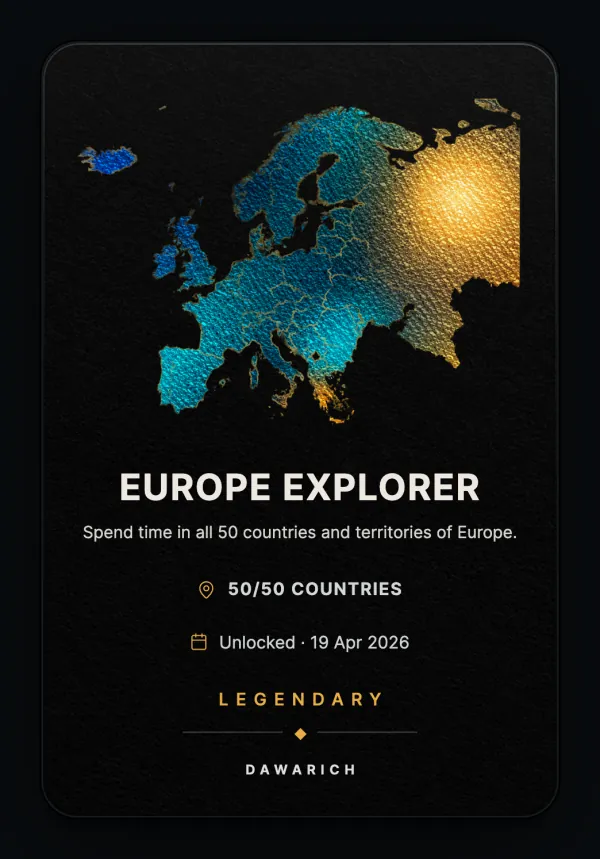
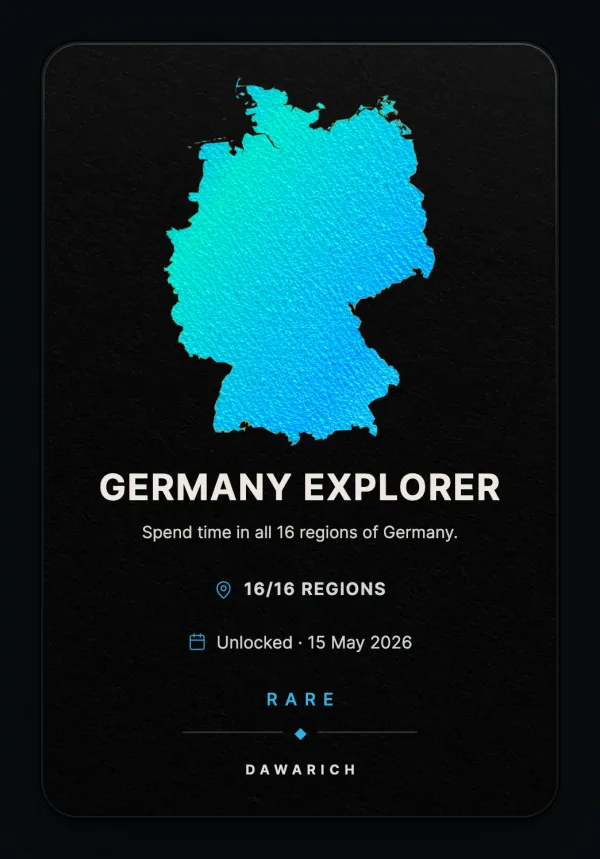
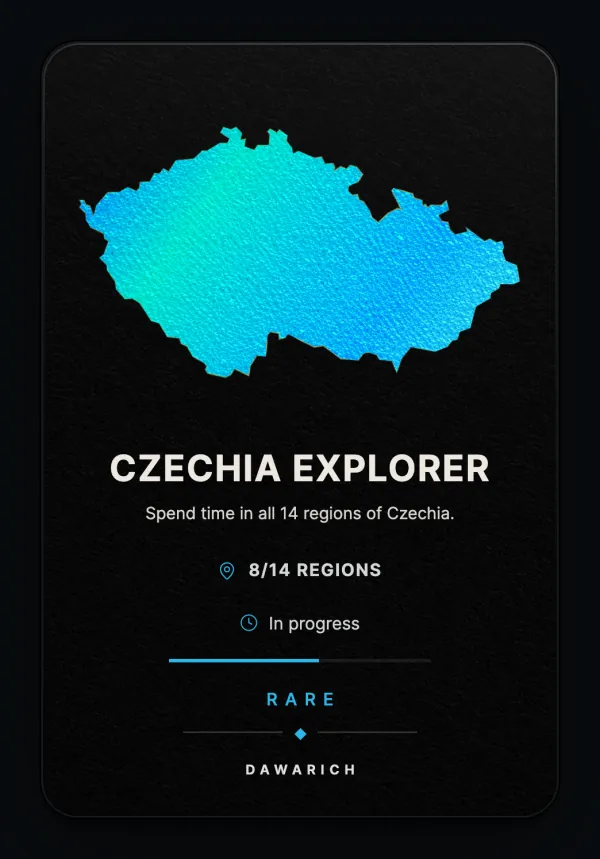
Cards have a foil finish. Cards that aren't locked tilt and shift their foil colors as you move the mouse over them, unless your system is set to reduce motion.
Open a continent to see its countries, and a country to see its regions. Each set page shows how many countries or regions you explored, how many are left, and the date you completed the set. Select a card for a closer look.
On a set page you can search the cards by name and filter them by status: All cards, Unlocked, In progress or Locked. Click Apply to filter, or Clear filters to see the full set again.
If you have no location data yet, the page links to Imports so you can bring in your history.
When a place counts
A region or country counts as explored once the time you spent inside it reaches your Min Minutes in City setting. Driving or flying through a region on the way somewhere else doesn't count.
To change the threshold, open the map, press Settings (S), and open City Statistics. The slider goes from 5 to 120 minutes and defaults to 60. The same setting decides which cities count in your statistics. Each set page shows the threshold that applies.
A few rules to know:
- Earned cards are kept. A region you explored stays explored, even if you later delete points or raise the threshold.
- Disputed territories don't count. Time spent in areas claimed by more than one state is not credited to any country or region, and the cards leave those areas out. Statistics, the visited countries map and country attribution are not affected.
- Boundaries are approximate. Region detection uses simplified boundary data. The sources are listed under About boundary data on each set page.
Unlocking cards
New imports and newly tracked points are checked in the background. When they unlock something, a card deck appears with the cards you just earned (New discovery, Card unlocked). Step through it with Next card, or dismiss the whole deck. You also get notifications for newly explored regions and completed sets; when an import unlocks many regions at once, they are grouped into a single notification.
When achievements are first enabled on an account, or recalculated after an update, existing history is checked without sending notifications for places you explored long ago.
Sharing a card
You can share any set, such as a country or a continent, through a public link.
- Open the set page, for example a country.
- Click Create public link.
- Click Public link to open the shared page, or copy its address.
To share a single card, select it and use Share in the card details. Embed gives you an <iframe> snippet for placing the card on another website. Copy copies the link or the code.
The shared page shows the card with its map and your current progress, in the language of your account. Links posted on social networks and in messengers get a preview image of the card. Nobody needs a Dawarich account to open the link, and it shows only the card, never your points or routes.
To stop sharing, click Disable sharing on the set page or Stop sharing in the card details. The link stops working immediately.
Self-hosted instances
Achievements need no configuration. Region and disputed-area boundaries are bundled with Dawarich and loaded by the data migrations that run when you update. On large instances the first calculation after an update can take a while. See Updating for how to check that the background jobs have finished.